
Disclosure: This post may contain affiliate links. If you purchase through our links, we may earn a commission at no extra cost to you.
Last updated: July 2026
Tested by: Emanuel S.
If you’re searching for the best free AI writing tools, you’re not alone. AI writing software has become one of the most popular productivity tools for bloggers, marketers, students, freelancers, and business owners. The challenge is that many AI tools advertise a “free” plan but immediately ask for a credit card before you can test anything.
To create this guide, I personally signed up for dozens of AI writing platforms and focused only on tools that offer a genuine free experience without requiring payment information upfront. I evaluated setup time, writing quality, ease of use, feature limitations, and overall value.
Whether you need help writing blog posts, social media content, emails, product descriptions, or marketing copy, this guide covers the best options available in 2026. If you’re looking for an AI content generator, AI copywriting tool, or free AI text generator, you’ll find several excellent choices below.
Best AI writing tools → https://theaitoolreview.com/best-ai-writing-tools/
What Is ChatGPT?
ChatGPT is one of the most widely used AI writing assistants available today. Developed by OpenAI, it can generate articles, emails, social media posts, outlines, summaries, brainstorming ideas, and much more.
When I tested ChatGPT, the signup process took less than three minutes. The onboarding experience was simple, and I was able to start generating content immediately without entering any payment details.
One thing I appreciated is that the free version still provides enough functionality for everyday writing tasks, making it one of the strongest free AI writing solutions currently available.
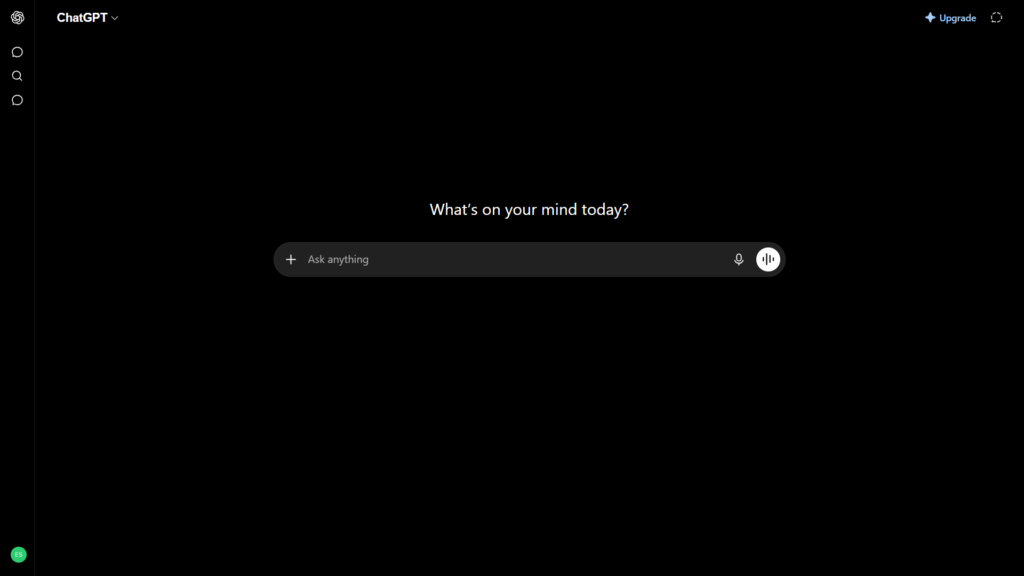
Key Features of ChatGPT
- AI-powered article and blog writing
- Content rewriting and paraphrasing
- Email drafting
- Brainstorming and idea generation
- Social media content creation
- Text summarization
- Translation support
- Research assistance
- Conversational interface
- Multi-language support
In my experience, ChatGPT performed particularly well when creating article outlines and improving existing content.
ChatGPT Pricing: How Much Does It Cost?
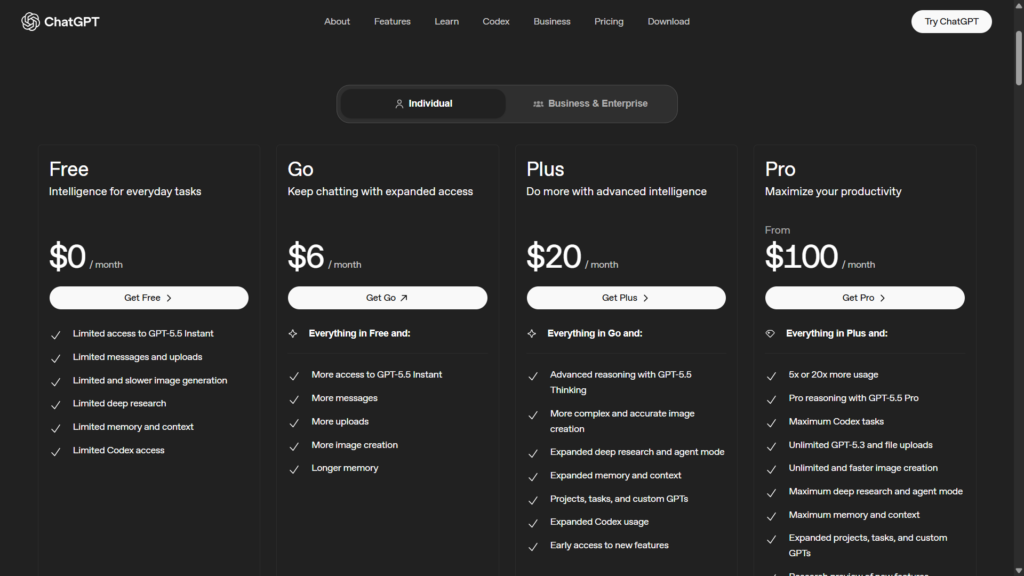
ChatGPT offers a free plan that allows users to begin generating content immediately.
Plans
| Plan | Price |
| Free Go | $0 $6 |
| Plus | Varies by region ($20) |
| Pro/Business Options | Custom pricing($100) |
For current pricing, visit the official pricing page: https://openai.com/chatgpt/pricing
Pros and Cons of ChatGPT
Pros
- Excellent writing quality
- Fast content generation
- No credit card required for free access
- Easy onboarding
- Supports many content types
- Strong brainstorming capabilities
Cons
- Free plan has usage limits
- Some advanced features require paid plans
- Generated content may require fact-checking
- Can occasionally produce generic responses
Who Is ChatGPT Best For?
ChatGPT is ideal for:
- Bloggers
- Students
- Freelance writers
- Small business owners
- Marketing teams
- Content creators
- Entrepreneurs
If you need a versatile AI assistant that handles multiple writing tasks, ChatGPT is one of the safest recommendations.
ChatGPT vs Google Gemini: Quick Comparison
| Feature | ChatGPT | Google Gemini |
| Free Plan | Yes | Yes |
| Credit Card Required | No | No |
| Blog Writing | Excellent | Very Good |
| Research Assistance | Excellent | Excellent |
| Ease of Use | Excellent | Excellent |
| Creative Writing | Excellent | Good |
ChatGPT generally produced more polished long-form content during my testing, while Gemini often excelled when working with research-related prompts.
Our Verdict: Is ChatGPT Worth It?
Yes. ChatGPT remains one of the best free AI writing tools available in 2026.
The free plan is generous enough for most casual users, setup takes only a few minutes, and the writing quality is consistently strong. While paid plans unlock more advanced capabilities, the free version is still highly useful for content creation.
Frequently Asked Questions (FAQ)
Is ChatGPT completely free?
Yes, ChatGPT offers a free plan that does not require a credit card to start using.
Can ChatGPT write blog posts?
Yes. It can create outlines, introductions, complete drafts, and content revisions.
Is ChatGPT good for students?
Yes, it can help with summaries, brainstorming, explanations, and drafting assignments.
Does ChatGPT replace human writers?
No. Human editing, fact-checking, and expertise are still important for producing high-quality content.
Grammarly
What Is Grammarly?
Grammarly has evolved from a grammar checker into a comprehensive AI writing assistant. It helps users improve grammar, clarity, tone, and overall writing quality while also offering AI-powered content generation features.
When I tested Grammarly, setup took approximately five minutes. The onboarding process included questions about writing goals, which helped personalize recommendations.
A limitation I noticed was that some AI writing features have stricter usage limits on the free plan compared to dedicated AI writers.
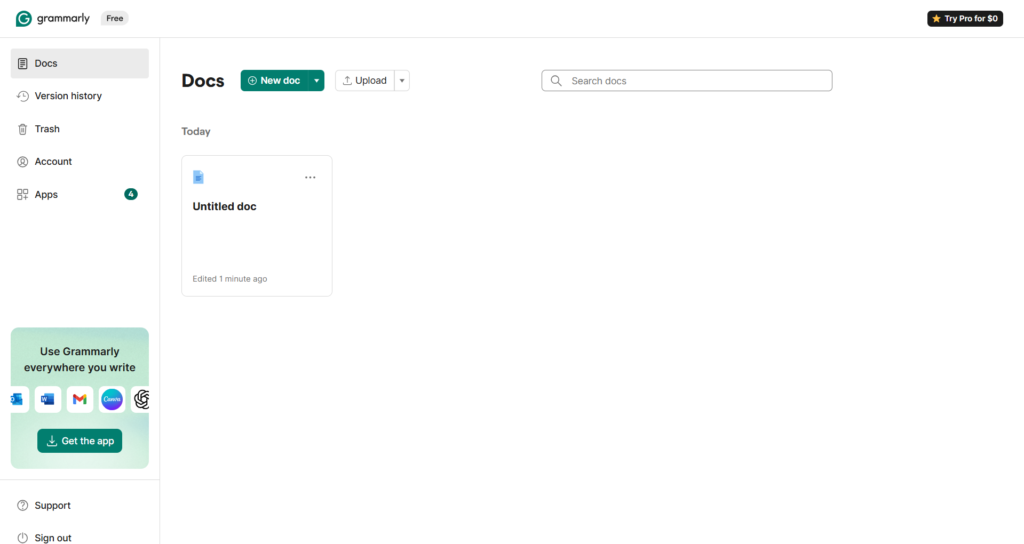
Key Features of Grammarly
- Grammar correction
- Spelling checks
- Tone suggestions
- AI-assisted writing
- Content rewriting
- Browser extension
- Email assistance
- Clarity improvements
Grammarly Pricing: How Much Does It Cost?
| Plan | Price |
| Basic | $0 |
| Pro | $12 |
| Business | Custom |
Official pricing: https://www.grammarly.com/plans
Pros and Cons of Grammarly
Pros
- Outstanding grammar assistance
- Easy integration with browsers
- Helpful writing suggestions
- Beginner-friendly interface
Cons
- AI generation limits on free plan
- More editing-focused than content-focused
- Advanced features require upgrading
Who Is Grammarly Best For?
- Students
- Professionals
- Business users
- Academic writers
- Email-heavy professionals
Grammarly vs ChatGPT: Quick Comparison
| Feature | Grammarly | ChatGPT |
| Grammar Checking | Excellent | Good |
| Content Generation | Good | Excellent |
| Editing Assistance | Excellent | Good |
| Free Features | Good | Excellent |
Our Verdict: Is Grammarly Worth It?
If your primary goal is improving writing quality rather than generating large volumes of content, Grammarly remains an excellent free option.
Frequently Asked Questions (FAQ)
Is Grammarly free?
Yes, Grammarly offers a free plan.
Does Grammarly use AI?
Yes, Grammarly includes AI-powered writing features.
Can Grammarly write content?
Yes, although content generation is not its primary focus.
Is Grammarly better than ChatGPT?
They serve different purposes. Grammarly excels at editing, while ChatGPT excels at content generation.
Google Gemini
What Is Google Gemini?
Google Gemini is Google’s AI assistant and content-generation platform. It combines conversational AI with powerful research capabilities and tight integration with Google’s ecosystem.
When I signed up, access was immediate through my Google account. The setup process was one of the fastest among all the tools tested.
One interesting observation was how well Gemini handled factual research tasks and content summarization.
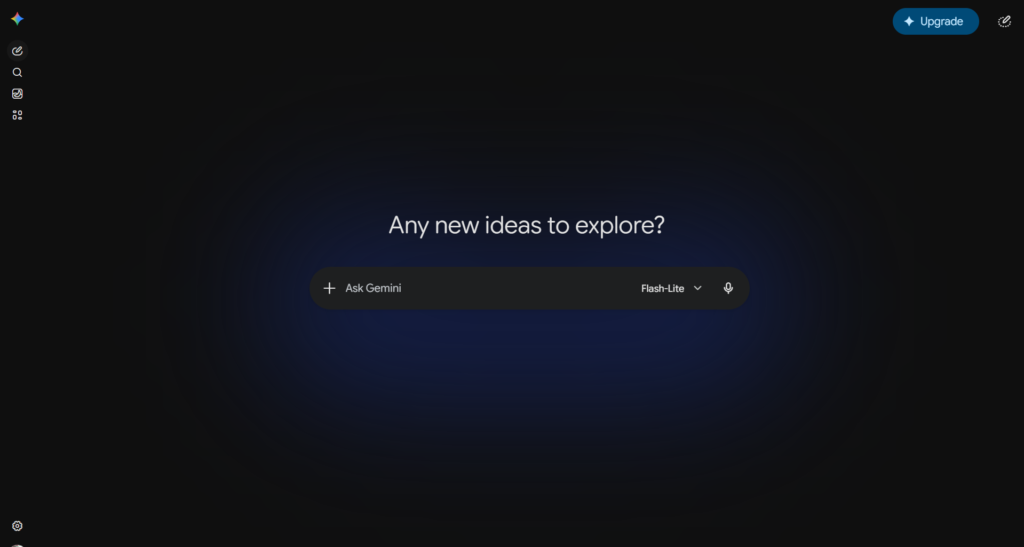
Key Features of Google Gemini
- AI content creation
- Research assistance
- Summaries
- Brainstorming
- Google Workspace integration
- Multi-language support
- Conversational AI
Gemini Pricing: How Much Does It Cost?
| Plan | Price |
| Free | $0 |
| Google AI Plus | $7.99 |
| Google AI Pro | $19.99 |
| Google AI Ultra | $99.99 |
Official pricing: https://gemini.google.com
Pros and Cons of Google Gemini
Pros
- Easy access through Google accounts
- Strong research capabilities
- Fast responses
- No credit card required
Cons
- Writing style can feel less natural than competitors
- Some advanced features are paid
- Output occasionally needs refinement
Who Is Google Gemini Best For?
- Researchers
- Students
- Professionals
- Google Workspace users
- Content marketers
Gemini vs ChatGPT: Quick Comparison
| Feature | Gemini | ChatGPT |
| Research | Excellent | Excellent |
| Creative Writing | Good | Excellent |
| Ease of Access | Excellent | Excellent |
| Free Value | Excellent | Excellent |
Our Verdict: Is Google Gemini Worth It?
Gemini is easily one of the strongest free AI writing tools available today. Users already invested in Google’s ecosystem will likely appreciate its integrations and research capabilities.
Frequently Asked Questions (FAQ)
Is Gemini free?
Yes, Gemini includes a free version.
Does Gemini require a credit card?
No, you can start using the free version without entering payment details.
Is Gemini good for blog writing?
Yes, although some editing may be required.
Can Gemini summarize documents?
Yes, document summarization is one of its strengths.
Conclusion
After testing numerous platforms, three tools consistently stood out among the best free AI writing tools with no credit card required: ChatGPT, Grammarly, and Google Gemini.
For pure content generation, ChatGPT remains my top recommendation. For editing and polishing existing content, Grammarly is hard to beat. If research and Google integration are priorities, Gemini offers exceptional value.
The best choice ultimately depends on your workflow, but the good news is that all three tools allow you to start for free without providing payment information. That makes them ideal for testing before committing to a paid plan.
External Sources
- OpenAI Pricing Page: https://openai.com/chatgpt/pricing
- PCMag AI Software Reviews: https://www.pcmag.com
Pingback: ClickUp AI Review 2026: Features, Pricing & Verdict
Pingback: Perplexity AI Review 2026: A Better Search Engine?